

How to Update Emirates ID in DU: Easy Step-by-Step Guide Using DU App
-
Dhivyanshu
- . December 29, 2025
- . Update: December 30, 2025 3:11 am
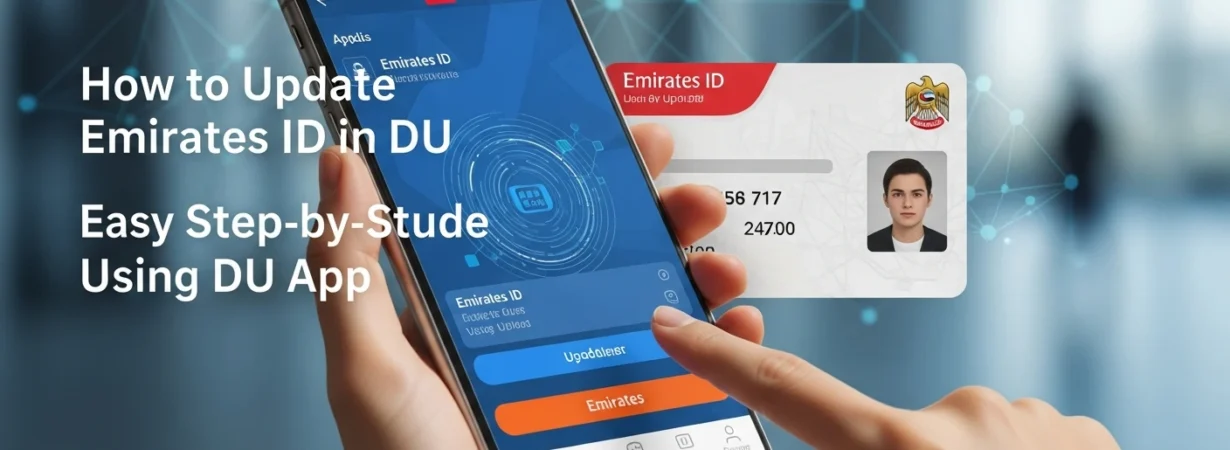
It is important to keep your personal information updated with telecom providers, and to know how to update Emirates ID with DU can help you to prevent interruptions in the services. DU provides its customers with the possibility to update their Emirates ID both online and offline. The DU App with the UAE PASS is the most suitable alternative that will guarantee the secure paperless process. In case your Emirates ID has expired, or renewed or in case of a change in the details, it is obligatory to update it on time. This guide contains the instruction on updating Emirates ID in DU with the help of simple steps, alternative ways, and useful tips.
Why Updating Emirates ID in DU is Important
By renewing your Emirates ID, you will stay in line with the UAE rules and regulations and uninterrupted mobile and internet services will be maintained. DU needs valid Emirates ID information to carry on with services like SIM usage, plan renewal and account verification. Otherwise, you are going to be limited in services in case you do not update your ID.
How to Update Emirates ID in DU Using the DU App (Recommended Method)
The simplest manner of knowing how to update Emirates ID in DU is through the DU App using UAE PASS. Follow these steps:
Download UAE PASS App: Download the UAE PASS application and log in with your Emirates ID. The first-time users might require face verification or visiting the kiosk.
Open the DU App: Open the DU App on your phone and make it updated to the most recent version.
Navigate to Update ID Option: Press the main menu and choose update ID or it is located in the section of ID renewal.
Login with UAE PASS: Select the option of login with UAE PASS and accept the request in the UAE PASS app.
Share Emirates ID Details: Let DU gain access to your Emirates ID information safely.
Select Numbers and Submit: Select the mobile numbers which are associated with your ID and place a request.
It is a quick, safe, and highly suggested digital process that any person may seek as a solution to how to update Emirates ID in DU.
Alternative Ways to Update Emirates ID in DU
In case you cannot use the app, DU offers offline services:
- Visit DU Shops: Visit any official DU store by using original Emirates ID.
- ID Registration Partners: There are as well authorized third-party service centers.
- These are good approaches to customers who are not conversant with mobile applications.
Things to Remember Before Updating
- Make sure that your UAE PASS is on.
- Do not give your original, valid Emirates ID.
- On the DU web site, you will be able to monitor the update status with the help of the reference number after submission.