
How to Put Parking in Dubai by SMS – Complete Guide for Easy mParking Payment
-
The Arab Post
- . November 23, 2025
- . Update: November 23, 2025 1:15 am
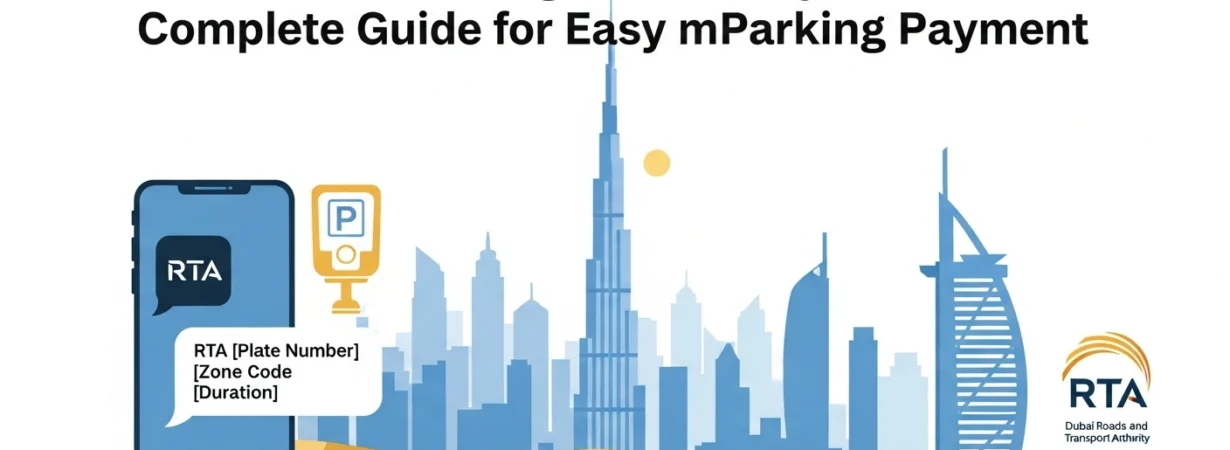
It has become possible to pay the parking in Dubai extremely easily thanks to the mParking service of the Roads and Transport Authority (RTA), which involves use of SMS. How to put parking in Dubai by SMS. You, either a resident or a visitor, may easily turn on your parking ticket by sending a short SMS to 7275. It comes in particularly handy when you do not have coins on hand, are in a rush or when the parking meters are very distant. Certainly, knowing the proper format of message to the registered and non-registered users, you will be able to avoid fines and have a pleasant parking experience. It provides instructions on how to park in Dubai by SMS, steps, examples, fees, and tips.
How the Dubai SMS Parking System Works
The mParking service of RTA allows the drivers to pay their dues to the public parking through a simple text message. After sending the message you are provided with a virtual parking ticket in your phone. This online approach will save on the issue of physical receipts and will make sure that your parking experience is registered in the system always.
The cost of the parking is charged against your mobile balance or you are charged against your postpaid bill. It is quick, safe as well as applicable to individual, non-individual, registered, and even motorcycle vehicles throughout Dubai.
SMS Format for Non-Registered Users
In case your car is not registered in the mParking system, you can use the following format:
Example: A12345 123A 2
(Plate A12345, Zone 123A, Duration 2 hours)
Half-hour Parking: Use 0.5 or 1/2 in the duration field.
Example: A12345 123A 0.5
SMS Format for Registered Users
You can use your vehicle nickname instead of plate number in case you have already registered your vehicle with the mParking service of RTA.
Example: MYCAR 123A 1
(Nickname: MYCAR, Zone: 123A, Duration: 1 hour)
An abbreviation name will speed up the process of SMS parking, and it will not be necessary to type long plate numbers in repetitions.
Step-by-Step Guide to Pay Parking in Dubai by SMS
1. Find the Parking Zone Number
Make sure to check the closest parking signboard. The zone should be given in an understandable place, normally a combination of numbers and letters (e.g., 345A).
2. Open Your Messaging App
Start a new SMS.
3. Type the SMS in the Required Format
You have to use the right format depending on your registration status as discussed above.
4. Send the SMS to 7275
Ensure that the message is posted to 7275 which is the official mParking number of RTA.
5. Receive Confirmation
You will receive a confirmation message which will have:
- Parking duration
- Virtual ticket details
- Start and end time
6. Extend Your Parking
Send Y to 7275 before expiry.
The system will extend your current parking session automatically.
Important Notes About SMS Parking in Dubai
- The service fee of each SMS is 30 Fils.
- In case your parking is almost finished, you are given a 10-minute notice.
- Applicable to any kind of vehicle including the motorcycles.
- Get in the right zone; otherwise you will pay fines.
- Please make your mobile network on to get confirmation SMS.
Benefits of Paying Parking by SMS in Dubai
- None of the coins or parking machines.
- Fast and convenient
- Secure billing
- Financial fines are avoided with auto-reminders.
- Remote extension of parking.
- Supported by all leading mobile networks in the UAE.
The SMS system particularly would be helpful when you are in a hurry, parking meters are too many or you are in a new place.