
How to Know Du Number: Easy Steps to Get Your Du SIM Number in a Second
-
Dhivyanshu
- . November 26, 2025
- . Update: November 26, 2025 3:14 pm
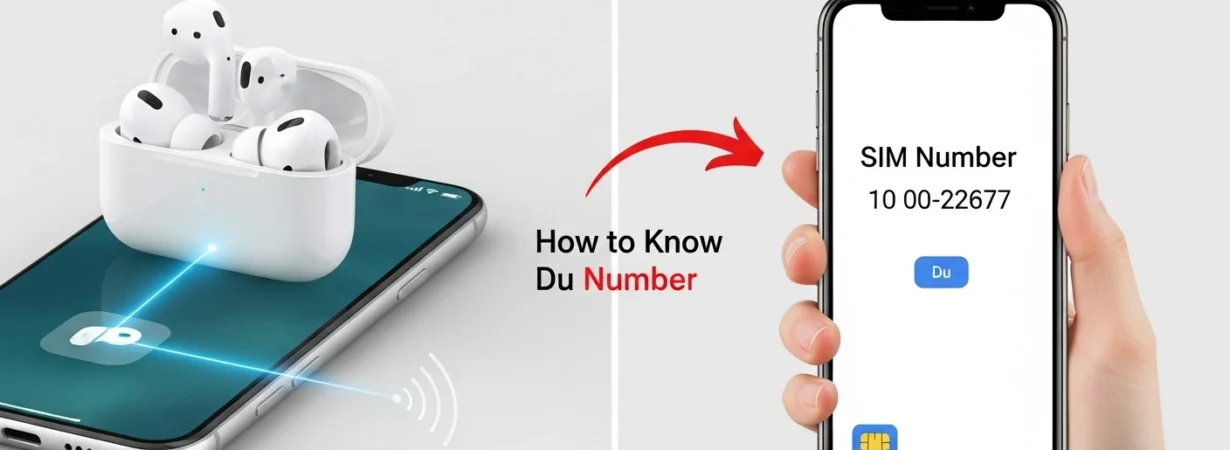
Easy methods to know Du number, in order to use a new SIM or because you have lost your own mobile number, it is critical to know how to locate your number. One of the most popular telecom companies in the UAE, Du, has a few convenient methods of checking your mobile number with no inconvenience. You like SMS or phone settings and USSD codes, Du makes sure that you can use your number in a few seconds. This tutorial will discuss the ways to check the number of my Du with simple and quite reasonable practices applicable to both Android and iPhone users. The following few steps will tell you how to know Du number any time you require it.
Knowing the Way to Know My Du Number
You can forget what your mobile number is when you are changing the SIM card or devices. Fortunately, Du has several easy methods to know DU numbers with built-in features that can assist you in accessing your number immediately. Such steps are: sending a special SMS, reviewing the settings of your phone, and calling a USSD code that automatically puts the number on your screen. Both techniques are meant to be rapid, convenient, and usable by everybody, notwithstanding the absence of internet connectivity. It is better to learn to know your Du number so that you can save time, and there is no confusion in understanding.
Finding Your Du Number via SMS
Sending an SMS is one of the easiest ways to know your Du number. All you have to do is open your phone’s messaging application, type the word getmymsisdn in the message box, and forward it to 9296. In a few seconds, you will get an automated response from Du with your mobile number. This technique would be very handy when you are not able to check the settings of your phone and when you want to get a digital verification of your number, quickly and precisely. This is because the service works automatically, so you do not need any further information since it works immediately.
Knowing Your Du Number by Checking Phone Settings.
Android and iPhone devices keep your SIM information under their settings menu, and thus, you can always get your Du number. When you have an Android phone, you can visit the settings, then tap on the phone before navigating to SIM status or SIM card manager when you are in the connections menu. The Du number will be shown on SIM 1 or SIM 2, where you are inserting your SIM.
The same is easy with users of iPhones. Open settings, then under the phone number, you will see My Number. This is an easy one, and it does not involve any messages or special codes.
Know Your Du Number with the help of USSD Code
The other quick and efficient technique is the application of USSD code. USSD codes are instant and do not need the internet, hence are best when one wants to do quick checks. The first method to know your Du number is to dial the following number in your dialer, that is, *100 #. Once you press the call button, you will see your Du number on your screen automatically. It is considered one of the most widespread options as it can work with all mobile phones and will give immediate results. Another way that it comes in handy is when you are unable to send SMS or even to scroll through the settings of your device.