Data Balance Checking in Etisalat Prepaid: Full Guide
-
 Omar Haddad
- . November 22, 2025
- . Update: November 22, 2025 2:55 am

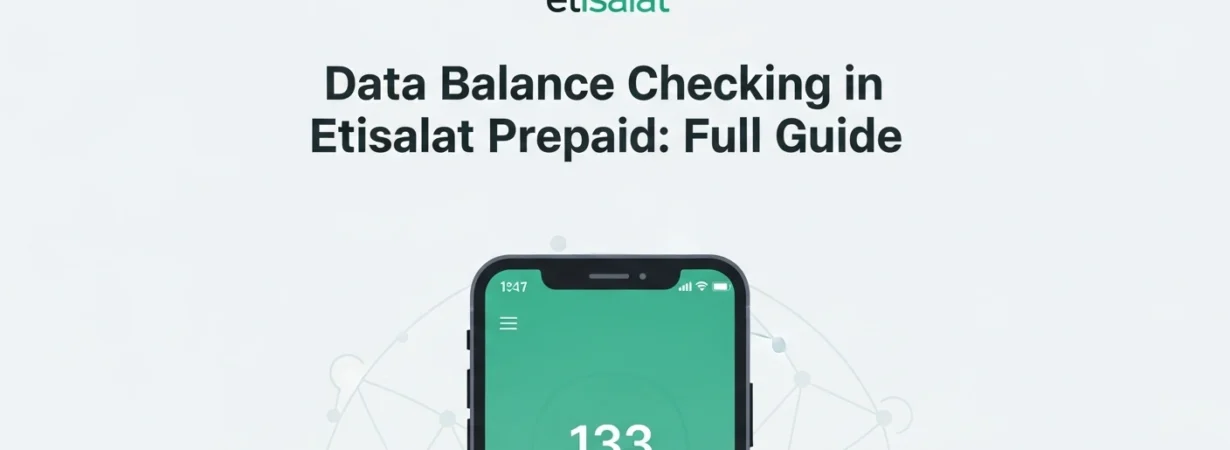
It is also necessary to keep abreast of your data balance in Etisalat prepaid data balance to prevent unpleasant shocks when you are surfing, watching streaming services, or accessing online resources. Etisalat also has a variety of convenient services that enable its customers to see their remaining data in real-time and in the most accurate manner. It does not matter whether you need to dial a fast USSD code, send an SMS, or read more detailed usage statistics in the My Etisalat application because the process is easy and convenient. By following this guide, you can easily, in a step-by-step approach, see all the available methods to check data balance in Etisalat. With such a variety of options available, you are able to take control of your mobile data and prevent running out at any given time.
Checking the Balance of Data in Etisalat Prepaid
The Etisalat prepaid data balance is an important figure that should be monitored to get control over your mobile investments. The three simplest and most valid methods are listed below.
1. Check Etisalat Data Balance USSD Code.
The easiest method of checking your prepaid Etisalat data balance is through a USSD code. This can be applied to any mobile phone with no necessity of access to the internet.
Steps to Follow:
- Open your phone’s dialer.
- Dial *170#.
- Press the call button.
- Your additional data plan will be reflected immediately on your screen.
One of the most convenient opportunities is the free, fast, and usable even without a mobile data or Wi-Fi connection. It is best suited to the users who require an update of the balance within a few seconds.
2. Check Etisalat Prepaid Data Balance with SMS.
In case you want to use some basic text based approach, you can as well check your data balance through an SMS command within Etisalat.
Steps to Follow:
- Open the messaging application of your phone.
- Type DATA in the message body.
- Send the message to 1010.
In a few seconds, you will get an SMS with details of remaining data balance and validity. Do remember though that Etisalat will charge 30 fils per SMS in this service. This is done in case you are unable to log in to the app or you just need a written statement of your balance.
3. Balance Check Data Balance through My Etisalat App.
The My Etisalat UAE application will be the most informative to give a detailed overview of your mobile consumption. It does not only show your balance in data but also voice minutes and SMS balance and active bundles and usage history.
Steps to Follow:
- Installing My Etisalat in Google Play Store or Apple App Store.
- Install the app and enter your Etisalat number into the app.
- Check your balance of data at the dashboard.
You can also use the app to recharge, buy new data packages, manage account settings, and see where on your usage. It is the most elaborate strategy, and best suited to those users who require everything to be in control of their prepaid mobile services.
What Method do you want to use?
- Select USSD (*170#) in case you need an immediate and no fee balance check.
- The SMS (DATA to 1010) option is recommended when you would like to receive a text confirmation and it does not bother you too much that it is a small fee.
- Select My Etisalat App in case you would like to enjoy detailed data insights and account management options.
- Any of these ways will assist you in being updated and making sure that you never lack sufficient data.