

How to Transfer eSIM to a New iPhone Easily: Step-by-Step Guide for 2025
-
Dhivyanshu
- . December 31, 2025
- . Update: December 31, 2025 7:05 pm
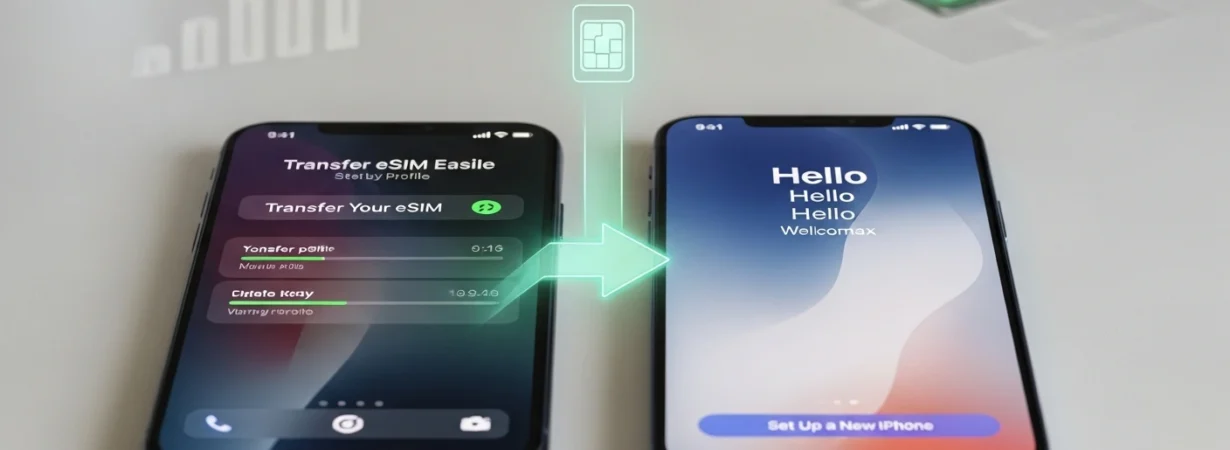
Moving your mobiles to a new iPhone does not need a physical SIM card. The operation is more rapid, secure and fully digital with the eSIM technology at Apple. In case you are updating your phone, it is always better to know how to transfer eSIM to new iPhone because you will save time and avoid interruptions during the process. Apple enables its users to transfer an eSIM directly out of an old iPhone either via nearby transfer, QR code, or carrier apps. The process is easy and secure as long as both of the devices are upgraded and connected correctly. This instruction is alternative-based on how to transfer eSIM to new iPhone step-by-step, and the most important tips to keep in mind to prevent the common errors.
How to Transfer eSIM to New iPhone (Recommended Method)
Apple has a built-in Nearby Transfer feature suggesting the simplest method of learning how to transfer eSIM to new iPhone.
The first thing you will do is to bring your old iPhone and new iPhone near. In the new iphone, go to Settings Cellular (or Mobile Service) Add eSIM. choose transfer out of nearby iPhone. Instructions will be displayed on your new device.
In the phone you are using (which is an old iPhone), verify the transfer. You can be requested to piston in a verification code displayed on the new iPhone. After verification, it takes some time to wait until the eSIM comes into action. Once it is activated, the eSIM will automatically deactivate on the old iPhone.
The most common users should use this method as it is the quickest one to transfer eSIM to new iPhone.
Alternative Ways to Transfer eSIM to New iPhone
In case the nearby transfer option is not available, other means of carrying out the process are possible.
One option is using a QR code. Call your carrier and ask him/her to send a new eSIM QR code. Access Settings on the new iPhone, Cellular, Add eSIM, Use QR Code, and scan to get service on your phone.
One more way is via the carrier mobile app. Most of the providers would enable you to log into your number and turn it on on the new device. In case of issues, the only way to be on the safe side is to call customer care and ask them to push your eSIM.
Such techniques prove useful in the transfer of eSIM between Android and failure to transfer when in proximity.
Important Tips for Smooth eSIM Transfer
Make sure that both phones are up to date with the latest version of iOS before transferring eSIM to new iPhone. This makes sure that it is compatible and minimizes errors.
You should not take out the eSIM of your old iPhone until the new phone is activated. It can be deleted prematurely and this may lead to service loss.
Turn-on Wi-Fi and Bluetooth which are necessary in nearby transfer. Smooth internet connection enhances speed of activation.