How to block someone on TikTok- A Step-by-step guide
-
 Omar Haddad
- . December 2, 2025
- . Update: December 2, 2025 8:42 pm

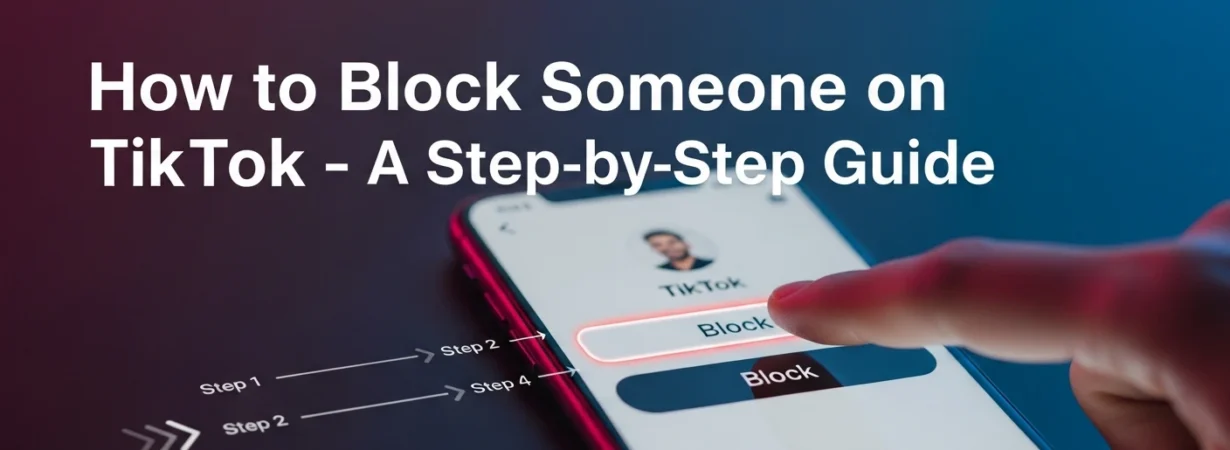
It is necessary to know how to block someone on TikTok to keep the Internet a safe and comfortable place. The wide and huge community of TikTok allows easy connection with users, but occasionally, you might not need to have this or that user looking at your content or even communicating with you. It can be avoiding undesired remarks, safeguarding your privacy, or just establishing healthy boundaries, but by learning how to block someone on TikTok, you have complete freedom of how you engage. This manual covers it all and gives you instructions, tips, and insights on how to manage your TikTok account, making sure you do it successfully and without problems.
What Happens When You Block somebody on TikTok?
It is essential to know what blocking does on TikTok before knowing how to block anyone. By blocking a user, the user would never see your profile again. They have no access to your videos, no option to message you, comment on your content, tag you, or otherwise engage with it. The person is not informed by TikTok that they have been blocked, which will assist you in maintaining privacy. Blocking can be reversed; hence, in case you wish to unblock someone, you may do that by using your privacy settings.
How to block people on TikTok. Step-by-Step Guide
1. Find the User’s Profile
To learn how to block a person on TikTok, one will need to find a profile. One can do this through the search bar and enter his/her username. Their profile can also be accessed upon tapping their name in a comment, direct message, or any video where they appear.
2. Tap the Share Icon
When you have been on the profile of the user, you will find the Share icon at the upper-right part of the screen, with an arrow symbolizing it. This icon unfolds a list of choices connected with sharing or managing the interactions with such a user.
3. Select “Block” from the Menu
Once tapped on the Share icon, a menu will appear with a number of actions. Keep on scrolling until you see the option to block. Once to start the process.
4. Confirm the Action
This will give you a pop-up with TikTok requesting that you affirm your choice. Tap block once more to complete the process of blocking someone on TikTok. The user will be deprived of your profile and your content.
Why You Could Use the Block button on TikTok
Users search for how to block someone on TikTok for a number of reasons. It could be a spam account, rudeness, internet harassment, or just a desire to secure his/her privacy. Blocking will make you feel safe because you will not be able to engage in communication with the undesirable user. It also enables you to have a good TikTok atmosphere, particularly when you make posts in public.
More Safety Tricks on TikTok
However, you can also ensure your privacy by setting up your account settings, in addition to knowing how to block someone on TikTok. Make your profile private, restrict people who can post comments on your videos, and filter messages or keywords. The safety settings of TikTok are created to provide you with control over the interactions on the Internet so that you can enjoy the platform and still be safe.