How to Check DU Number: 6 Quick Methods You Can Use in Under 60 Seconds
-
 Omar Haddad
- . November 18, 2025
- . Update: November 18, 2025 4:08 pm

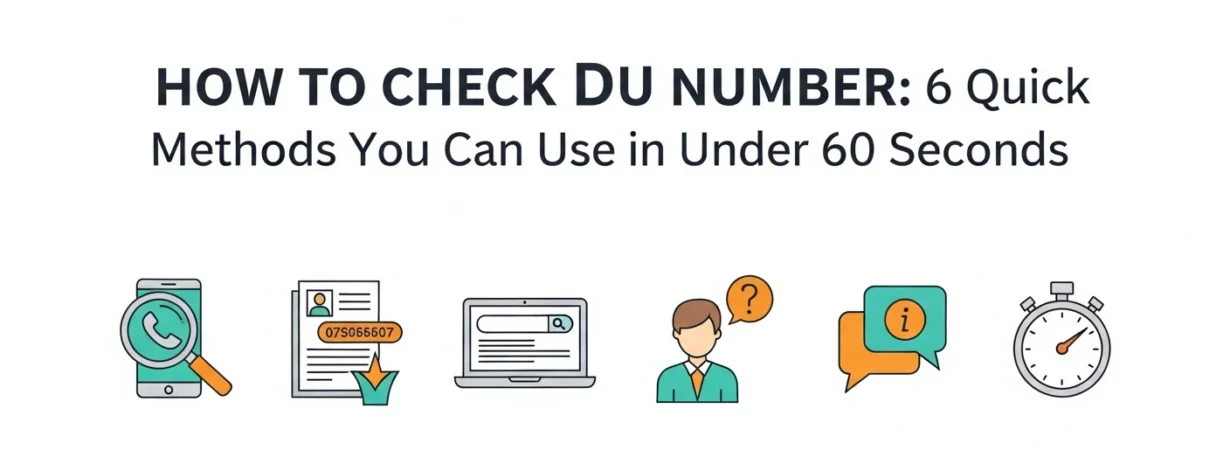
We all forget our mobile numbers, without fail particularly when you have just switched on a new SIM or changed the device. When this happens how to check DU number As a DU customer in the UAE, it is very easy to check your DU number and the process can not take more than a minute. You can choose to dial a short code, DU app or even, review your SIM packet, but whatever you choose, you can pull your number in seconds with DU. You will discover the six quickest and surest ways of how to check DU number, and you will soon have your own ideas of how to ensure that you do not lose access again. Let’s get started!
1. Dial 116# (Fastest Method)
The easiest and the fastest method of checking your DU number is by dialing the number, which is: *116#.
Steps:
- Open your phone’s dialer
- Dial *116#
- Your DU number appears instantly on your screen
This is the surest way since it is applicable to all gadgets and does not need mobile data.
2. Check Using the DU App
The DU App is the most appropriate digital solution in case you proactively manage your plan.
Steps:
- Download the DU App from the Play Store or App Store
- Log in or create an account
- Navigate to My Account → Overview
All your DU number, balance and active plans are displayed on a single dashboard.
3. Find Your Number on the SIM Packet
Each DU SIM is marked with the print of your number on the packet. Just look at the back or front to get your mobile phone number and PUK. The technique comes in handy when your phone is not available.
4. Look for the DU Activation SMS
When you activate SIM it provides welcome SMS with your number. Check your inbox and you will get your number mentioned under a message that has the brand name DU.
5. Call or SMS a Friend
Should you have the active balance, call or text a person you know and tell him to provide the number that will be displayed on his or her screen.
6. Send an SMS to 1355
Another quick option is:
- Open Messages
- Type NUMBER
- Send to 1355
You will be provided with an SMS of your DU number.
Bonus: Check Numbers Registered under your name (TDRA Portal).
Go to TDRA site, log in using UAE Pass and get to see all SIMs registered to your Emirates ID.