How to Deactivate du Daily Data Package 4 AED: Easy Step-by-Step Guide
-
 Omar Haddad
- . January 5, 2026
- . Update: January 6, 2026 3:19 am

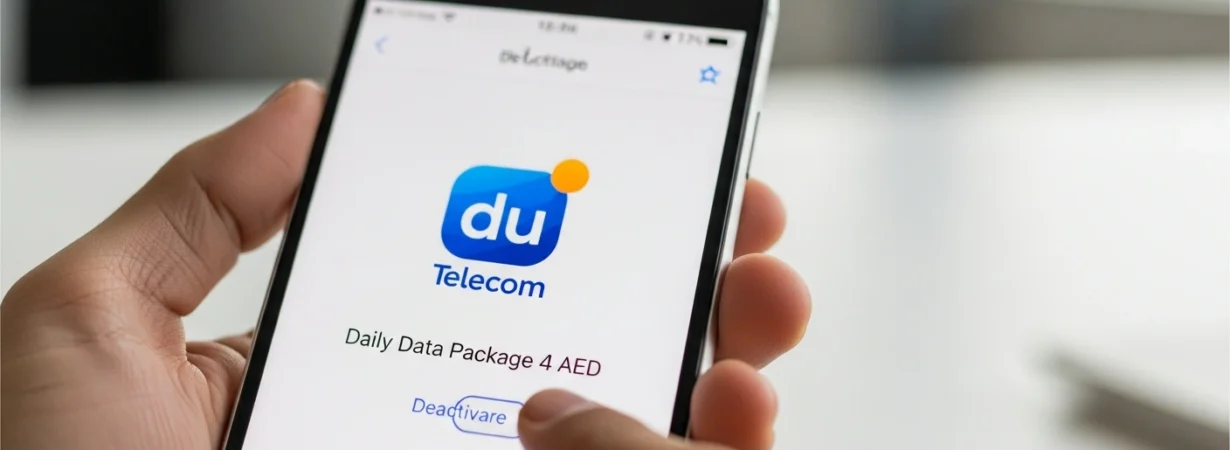
In case you have du mobile services and you would like to stop the unnecessary charges against data, then it is important to know how to deactivate du daily data package 4 AED. A significant number of users are subscribing to data packs daily without their knowledge and are charged on a daily basis. Fortunately, du offers various convenient methods of cancelling such packs, such as USSD, SMS, and du mobile application. This manual describes the easy steps on how to switch off du daily data package 4 AED to ensure that you can use your data effectively. On a national daily data pack or a social daily data bundle, this article will be of some help to cancel it within a short time and prevent undesirable deductions.
What Is du Daily Data Package 4 AED?
The du Daily Data Package 4 AED is a short-term internet service provider that has a limited data access on a daily basis. It will automatically renew itself on a daily basis unless it is deactivated. Although it may be handy in the short-term requirement, it has been canceled by many users when they are no longer in need of it. Learning how to switch off du daily data package 4 AED is an aid that will assist you to manage your cell phone balance.
How to Deactivate du Daily Data Package 4 AED Using USSD Code
USSD is one of the quickest methods of cancelling your plan.
- For National Daily Data, dial *135*6#
- For Social Daily Data, dial *135*5#
On dialing, use the on-screen instructions. Enter the choice that is Deactivate du Daily Data 4 AED or other cancellation choice. This is an easy technique and it operates in every mobile phone.
How to Deactivate du Daily Data Package 4 AED via SMS
The other effective way of how to deactivate du daily data package 4 AED is through the use of SMS.
- Open your messaging app
- Type STOP
- Send it to 1355
The data package is deactivated every day, and once it is done successfully, you will receive the notification.
How to Deactivate du Daily Data Package 4 AED Using the du App
Du app is quite convenient in case you want to use the digital approach.
- Launch du App in your smartphone.
- Click on the Home Screen where the number is to be selected.
- Tap on the Data section
- See your active mail packages.
- Select Unsubscribe beside the daily package of data.
This is the best choice in case you prefer to see all active plans fully.
Important Tips Before DeactivationPrior to the process of deactivating du daily data package 4 AED, make sure that you have network coverage and your SIM is on. In addition, the deactivation is usually effective at the time, although in some cases, it could be effective beginning with the following billing period.