How to Switch to Personal Account on Instagram: A Simple Step-by-Step Guide
-
 Omar Haddad
- . January 7, 2026
- . Update: January 7, 2026 8:39 pm

Having been using Instagram to share personal information, but now having either a business or creator account, you may be overloaded with analytics, advertisements, or business-related tools that you do not actually require. There are a lot of users that would like a more straightforward experience of friends and family, as well as less professional content. It is where the information on how to change to personal account on Instagram will come in handy. An individual profile has greater privacy, fewer distractions, and a less cluttered interface. Within this guide, we will discuss the reasons why users prefer personal accounts, the advantages that they provide, and an easy step-by-step procedure to make the transition without much difficulty and losing posts or followers.
What Is a Personal Account on Instagram?
Instagram personal account is aimed at everyday users who prefer to share photos, reel and stories without any business-specific functions. Personal profiles do not have insights, contact buttons, or ad tools, unlike business or creator accounts. Once you switch to personal account on Instagram, a simple profile is redirected where socializing is the main focus as opposed to tracking performance.
Why Switch to a Personal Account on Instagram?
Users have a number of reasons to change to personal account in Instagram. A lot of individuals do not need insights and analytics. Others desire to have more privacy, because personal accounts restrict some information to be public. Also, personal accounts do not give rise to incidental ad creation and less pressure to track the engagement metrics, which makes Instagram more entertaining.
Step-by-Step Guide to Switch to Personal Account on Instagram
These are the basic steps that you may follow to change to a personal account on instagram:
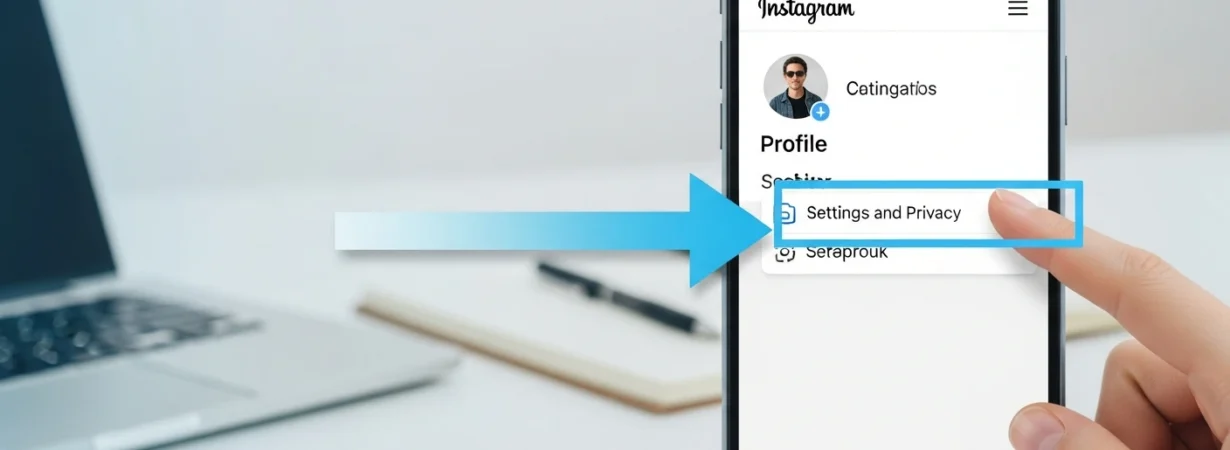
- Launch the Instagram application and open your profile.
- Touch the three-line menu on the right hand side of the top.
- Select Settings and privacy.
- Tap Account type and tools and scroll down.
- Choose Switch account type.
- Click on Switch to individual account.
- Confirm your choice.
When done, your account will be automatically transformed and all your posts, followers and messages are not lost.
Things to Know Before You Switch
Promotions, branded content tools and insights, before trying the personal account switch on the Instagram, you have to remember that you will lose access to them. A business or creator account may be preferable though, with the help of analytics or collaborations. Nevertheless, you can do so later on in case you want to change.
Can You Switch Back to Business or Creator Account?
Yes, there is flexibility with Instagram. Once changed to a personal account on Instagram, it is possible to switch back to a business or creator profile at any time, by following the same steps. This eases the process of experimentation and selecting what best fits.